INNOVATIONS
1) The character login screen has been updated.
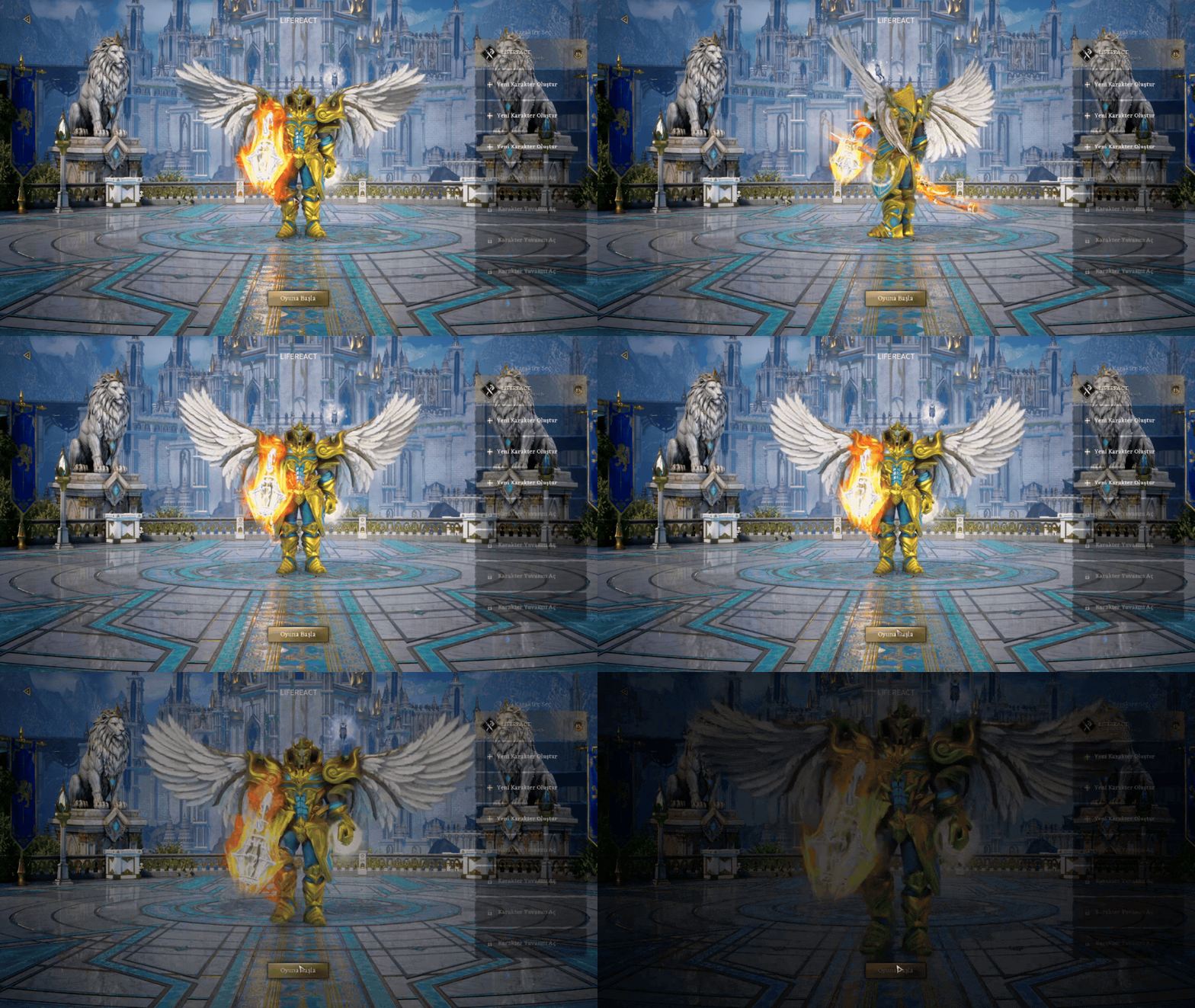
The character login screen has been updated to display your currently equipped items.
Character rotation has been enabled on the login screen.
When entering the game, your character will now walk toward the screen.
2) The Hunt event has been activated!
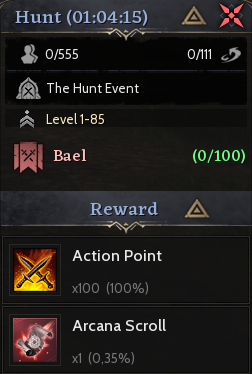
1) By completing the event within the specified time limit, you will be able to earn either a guaranteed reward or one of the items from the reward pool.
The event types are listed below:
Gathering Event
Fishing Event
Kill Event
Item Loot Event
EXP Event
Rewards will vary depending on the event type.
The required kill counts may vary depending on your selected skill tree. For example, an Archer may need to defeat 30 enemies, while an Assassin may only need to defeat 10.
When an event becomes active, the icon shown below will appear in the upper-right corner of your screen.
 3) R-Attack FX has been added to weapons with +7 or higher FX effects. (Common and Rare items are excluded.)
Example weapon visuals are shown below.
Stormbringer
↓
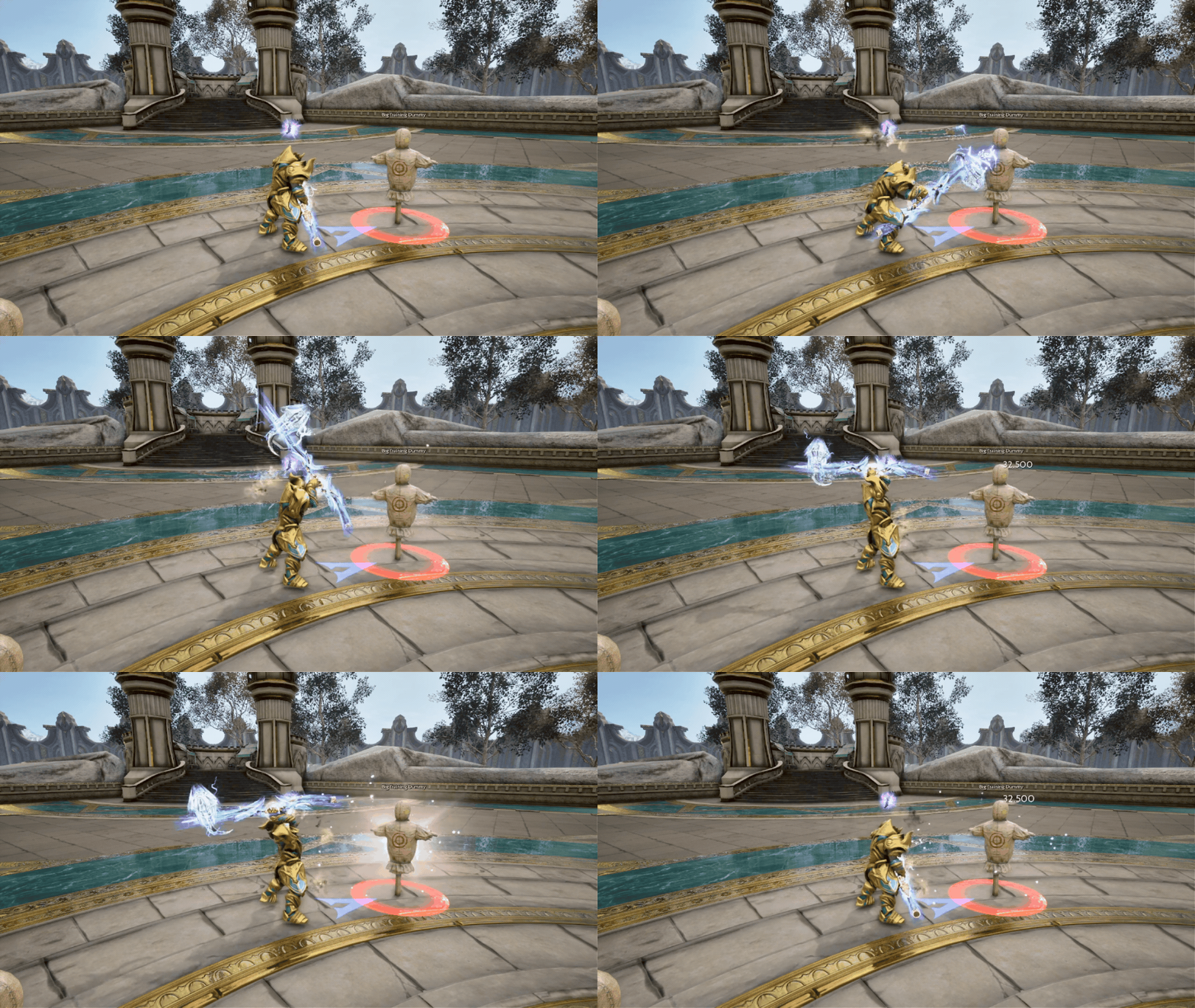 Ancient Sledgehammer
↓
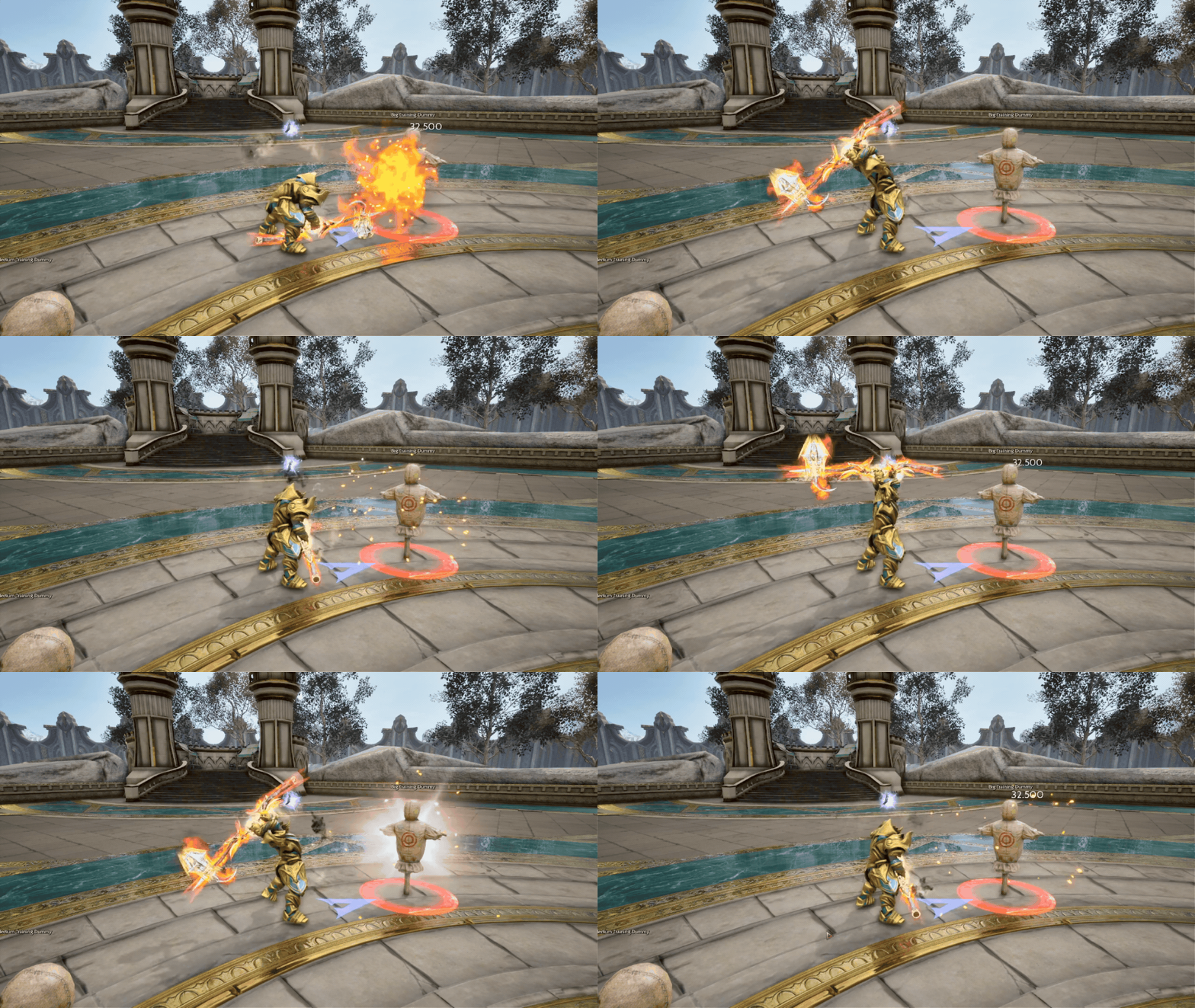 Overseer
↓
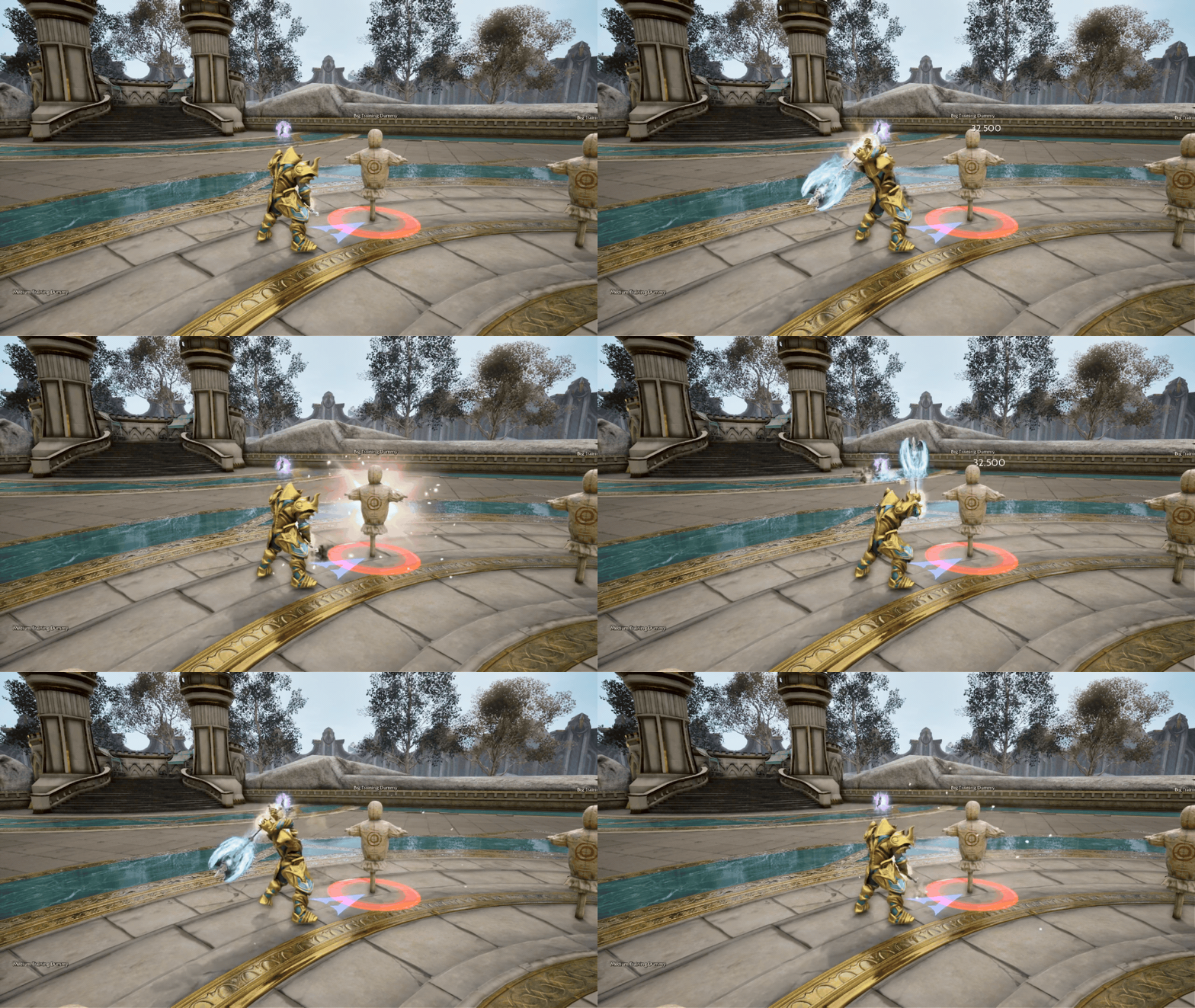 War Scythe
↓
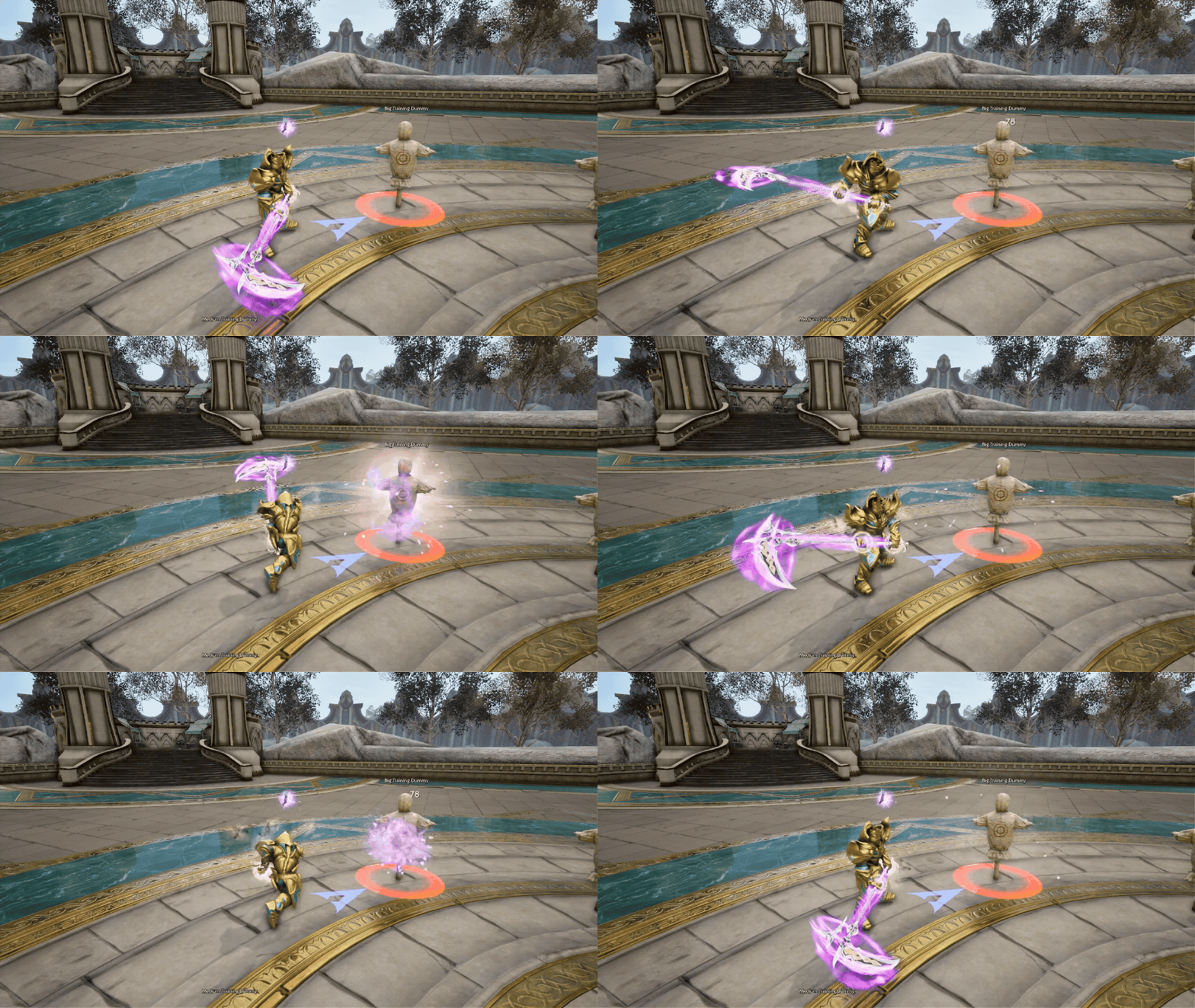 +1 ile +6 arasında FX'i olmayan silahlarda çıkacak FX aşağıda yer almaktadır.
↓
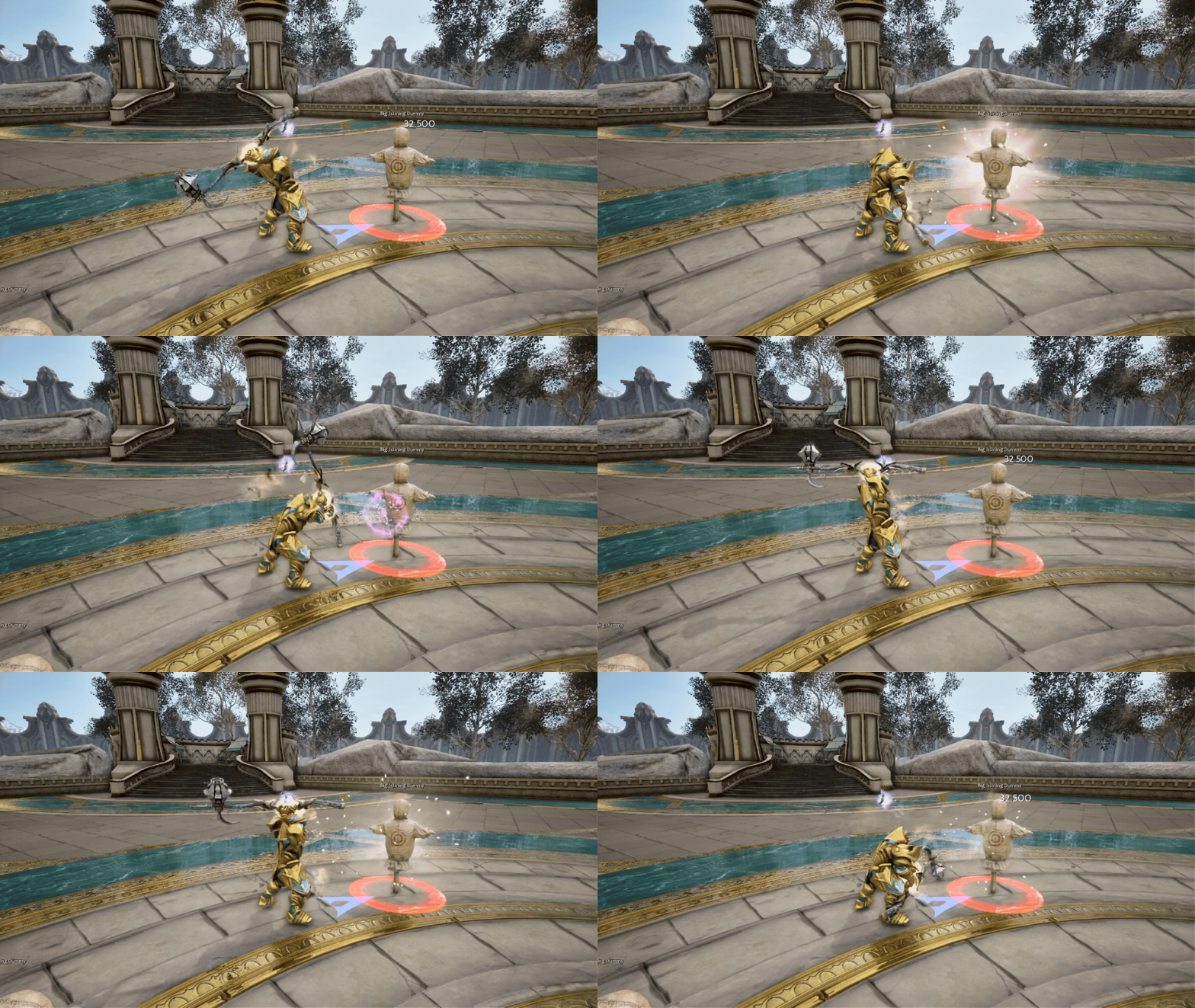
4) F12 Client Power Saving Mode has been added to the game.
This feature allows you to minimize RAM and CPU usage by hiding the game screen while AFK or performing activities such as fishing and crafting.
You can activate Power Saving Mode by pressing the F12 key. Once enabled, the game client will appear as an icon in the Windows system tray (notification area) at the bottom-right corner of your screen.
An example of the icon is shown below. 5) The Farm Summary system has been activated.
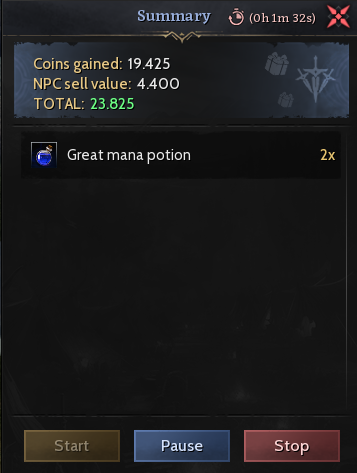
With this system, you can track your farming duration and view a summary of the average loot obtained during your farming sessions.
You can reset the statistics by clicking the "Clear" button.
NOTE: The statistics will automatically reset when you change regions.
Where can I access it?
You can access the Farm Summary system by clicking the "i" icon located next to the R.O.W. Assistant icon.
 An example of the tab is shown below.
ADJUSTMENTS
1) The Animation Optimization option has been added for players using low-end hardware.
To enable this feature, go to Settings → Video Settings → Animation Optimization and check the box.
 2) Fixed an issue that prevented players from sending private messages to clan members located on different maps through the Clan window.
3) The Zone, Clan, Party, Alliance, and Global labels displayed at the beginning of messages in the chat window have been removed.
4) Fixed an issue that prevented the Clan Application and Clan Ranking features from opening.
5) An option to disable the screen effects triggered when entering portal stone areas has been added to the Gameplay Settings.
To enable this feature, go to Settings → Gameplay Settings → Disable Portal Screen Effects and check the box.
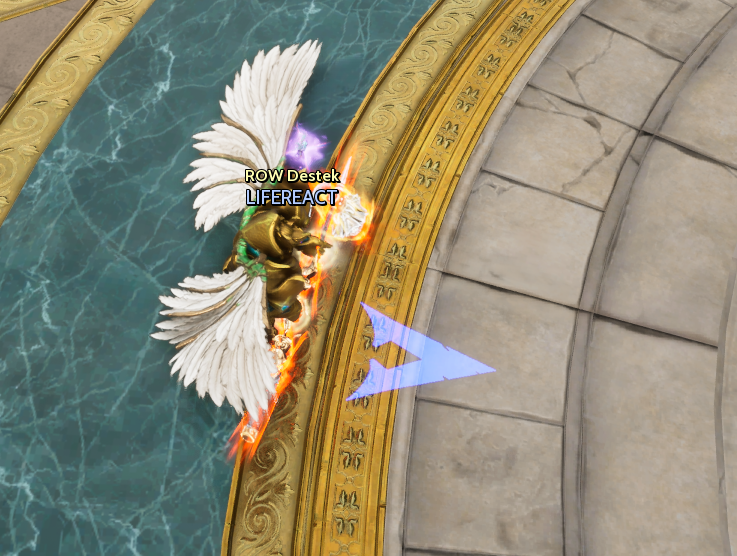
 6) A visual effect has been added to indicate the direction the targeted character is facing.
The image is shown below.
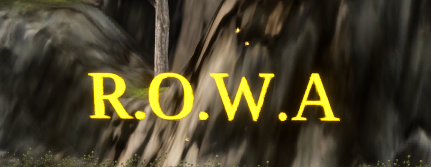
 7) The R.O.W. Assistant visual effect has been updated.
The new visual effect is shown below.
8) Fixed an issue where the gathering icon would not activate when approaching a gathering resource.
9) Fixed an issue where the selected clan cape was not displayed.
10) Fixed an issue where key bindings were not being saved.
11) Fixed an issue where stackable items displayed 0 Coins when being sold to NPCs.
12) Fixed an issue that occurred when adding buff skills to R.O.W. Assistant while playing as a Priest.
13) Improvements have been made to address the skill bar shifting issue.
14) The inventory window will now automatically close when completing a trade.
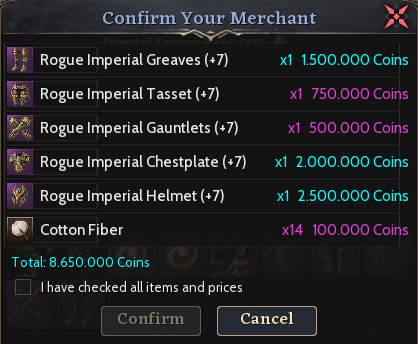
15) A confirmation screen has been added when setting up SELL and BUY merchant stalls, allowing players to review item prices in a list before opening their merchant stall.
16) Fixed an issue that occurred when removing the Assistant role from a clan member.
17) Fixed an issue where the Unique Fishing Rod was not visible in the character's hand.
18) Fixed an issue where the Unique Stonehammer was not visible in the character's hand while gathering.
19) Fixed an issue where the Enhanced Rogue Imperial Greaves 8.1 item was not visible when equipped.
20) New language packs have been added. (Languages: Turkish, English, Spanish, German, French, Russian, and Korean.)
21) Exceptional Gemstone → 3x Flawless Gemstone conversion recipes have been added to the "Others" category in Crafting.
22) New recipes have been added under the "Rare Stone Exchange" section in the "Others" category of Crafting, allowing players to convert rare stones into Gemstones.
23) Legendary Tool recipes in the Weapon Smithing profession have been updated.
24) Level 40 and above recipes in the Jewel Crafting profession have been updated.
25) The sizes and color tones of certain gathering objects have been updated.
26) Fixed an issue with the repair costs of Legendary gathering tools.
27) The Flawless Amethyst drop has been removed from Ancient Excavation Site materials and replaced with Rare Amethyst.
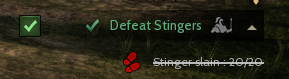
28) Upon completing a quest objective, the corresponding monster's name will now be displayed with a strikethrough.
29) Fixed a visual issue that occurred after collecting Golden Rain.
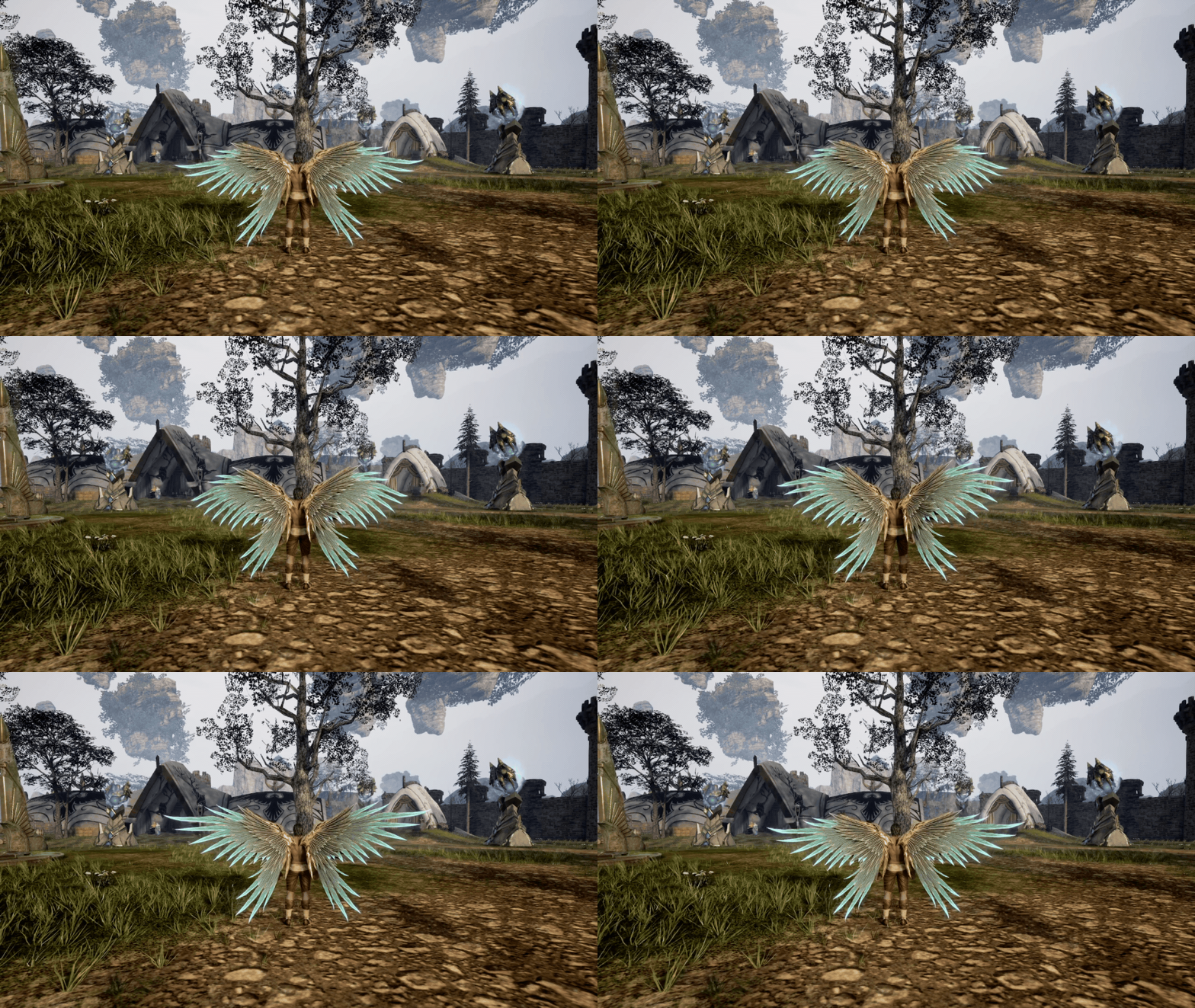
30) The appearance of Jadeflare Wings has been updated.
The new appearance is shown below.
31) The icons for allies, party members, monsters, and enemies on the minimap have been updated.
32) The R.O.W. Assistant shortcut key has been changed to F10.
33)New skill icons have been added to the game.
To enable the new icons, go to Settings → Gameplay Settings → Use New Skill Icons and check the box.

34) Fixed issues related to the Auto Loot settings.